If you have Windows 11 installed – you should download the 64-Bit Version for best performance. If you have Windows 10 (32-bit), please use the 32-bit version. Windows 10 comes in both 32-bit and 64-bit versions whereas Windows 11 is ONLY 64-bit.
Office 2024 ENGLISH Download 64-Bit - CLICK TO DOWNLOAD
Office 2024 ENGLISH Download 64-Bit - CLICK TO DOWNLOAD
Once you have downloaded the self-extracting ZIP file…
OPEN/Double-click it.
It will automatically install OFFICE 2024 PRO+ So please be patient.
Open an Office application (TIP: Word is good and used in the examples below).
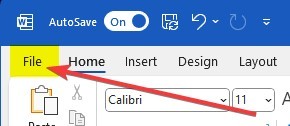
Then select [File] at the upper-left corner of the toolbar.
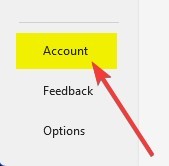
Select [Account] at the bottom left of the sidebar.
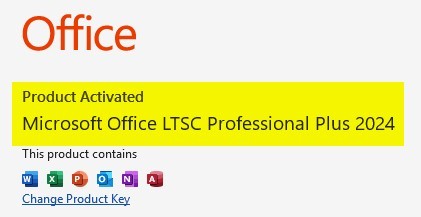
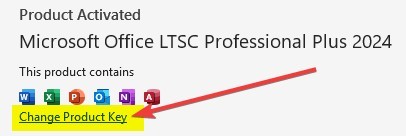
Then click [Activate Product] and enter your key (it should activate as shown). SIMPLE!